


Rank tracking is inaccurate not because the tool is broken, but because the number it tracks was never one number: keyword rank, BSR, and subcategory rank are three different ranks, measured at different moments, in different places, with different data. Conflate them, or sample them inconsistently, and the readings cannot be compared.
This article first separates the three ranks: what each measures and what its unit is. It then works through the eight blind spots one by one, each with its symptom, its cause, and its fix. It ends with a self-audit checklist the reader can run against their own tracker.
Three Ranks, Tell Them Apart First
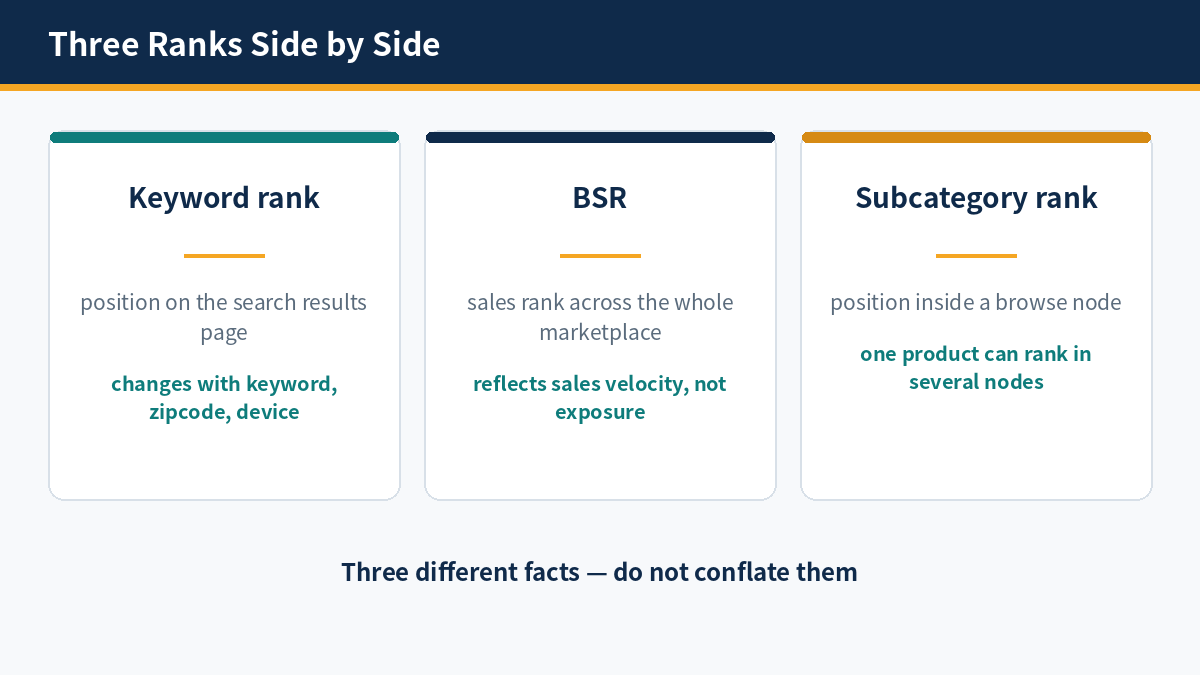
The three ranks measure three different facts: keyword rank measures a relative position inside the search results page, BSR measures a sales rank across the whole marketplace, and subcategory rank measures a relative position inside a browse node. Different definitions, different units, and directions of change that can each move on their own: conflate them, and the reading is distorted.
Keyword Rank: A Relative Position Inside the Search Results Page
Keyword rank is the organic position of a product on the search results page for one keyword; the same product ranks differently for different keywords. The ordering depends on the search term, the zipcode, the device, and the session conditions, and readings for the same keyword can differ by several positions across zipcodes. Only repeated measurement under fixed conditions can be compared.
BSR: A Sales Rank Across the Whole Marketplace
BSR is a sales rank across the whole marketplace, ordered by recent sales; it reflects sales velocity, not exposure. A change in BSR only shows that relative sales changed, not that search visibility changed. A rising BSR can come from rising sales or from falling competitor sales, and the two mean different things.
Subcategory Rank: A Relative Position Inside a Browse Node
Subcategory rank is a relative position inside a browse node; the same product can belong to several nodes at once and rank differently in each. Node membership is fixed by the category structure, and a rank change can come from competition within the node or from a change in node membership, so the node must be named.
Used together, keyword rank answers visibility, BSR answers sales velocity, and subcategory rank answers relative position inside the node; each does its own job and cannot substitute for another. A reading must state its unit: a rank number without a unit has no comparative meaning.
Inferring keyword rank from BSR is a common error: when sales rise, BSR rises, but search visibility need not rise. To use BSR as a substitute for keyword rank is to optimize in the wrong direction.
Sponsored slots also affect readings: they occupy the top of the search results page, pushing organic results below the mobile fold. When the sponsored share changes, the organic rank can stay the same while visibility has changed, so the sponsored distribution must be recorded as well.
The three ranks move independently: keyword rank can rise while BSR does not, and BSR can fall while subcategory rank does not. Each is governed by a different mechanism. To plot all three on one curve, or to infer one from a change in another, is to draw a conclusion with no basis.
Eight Blind Spots: Symptom, Cause, Fix
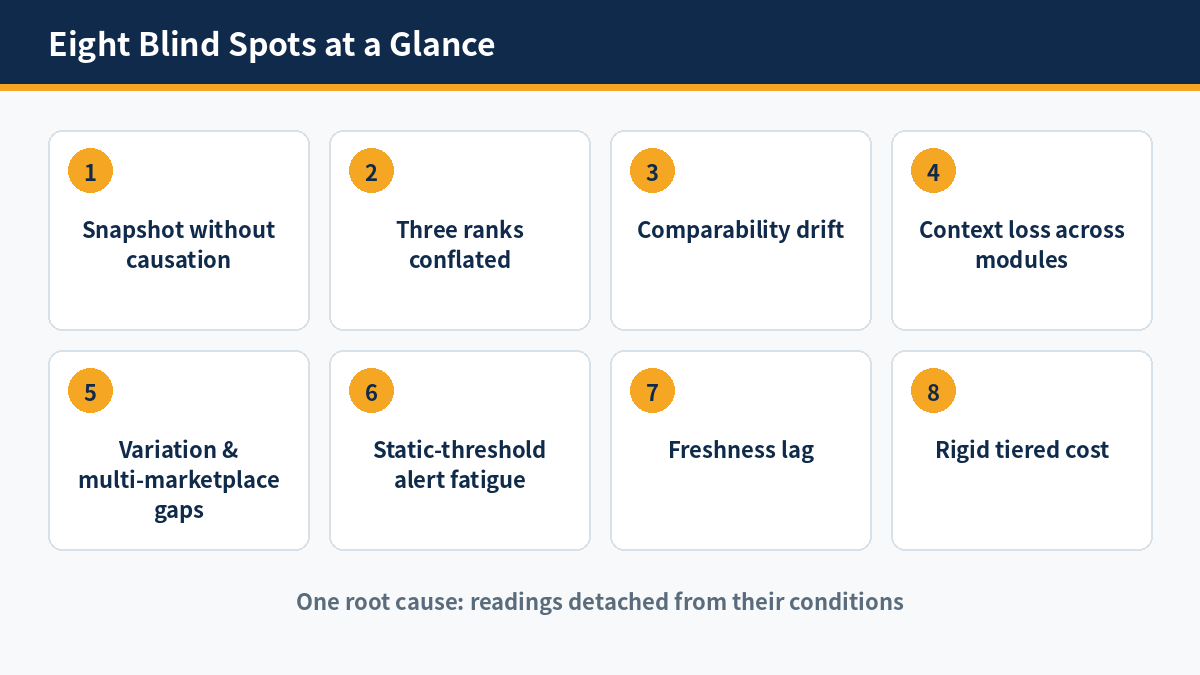
The eight blind spots show different symptoms but share one root: readings detached from the conditions that produced them. The symptom is untrustworthy readings, the cause lies in the data layer and the measurement method, and the fix must start from the data layer, not from a new interface or more alerts. The blind spots amplify one another: comparability drift makes snapshot-without-causation harder to fix, and freshness lag makes alert fatigue easier to trigger; fixing one point at a time is not enough — the data layer must be rebuilt first.
(1) Snapshot Without Causation
Symptom: a snapshot shows only that the rank changed, not why it changed. Cause: only the current value is stored, not the conditions behind the number — price, coupon, inventory, Buy Box winner, and search results page layout — and if any one is missing, attribution has nowhere to start. After the change, the evidence for an explanation is lost together with the old value.
Fix: store all conditions in the snapshot at every polling, and compare the snapshots before and after the change item by item. A snapshot is identified by a SHA-256 hash of its content version; a different hash means different content. The granularity of the comparison is the granularity of the attribution, and a snapshot missing conditions cannot explain anything. Hash-based detection makes the comparison cheap: unchanged content needs no further work.
(2) Three Ranks Conflated
Symptom: keyword rank, BSR, and subcategory rank are compared as if they were one number, so every swing on the curve may be only a change of unit. Cause: the three differ in definition, in unit, and in the mechanism that moves them, yet the tracker presents them side by side without distinction, and the reader has no way to tell them apart.
Fix: store the three separately, present them separately, and set thresholds separately; comparison happens only between ranks of the same kind. Comparison across ranks must first convert to the same unit, the unit must be presented with the reading, and a rank number without a unit does not enter the conclusion. Where the three ranks are shown together, each must carry its own unit label.
(3) Comparability Drift
Symptom: readings for the same keyword differ by several positions on two consecutive days, with no change that can explain it. Cause: the polling never pins the marketplace and zipcode, so readings come from different session conditions. Readings for the same keyword under the example zipcodes 90001, 60601, and 10001 already differ; the drift comes from the conditions, not the market.
Fix: pin the marketplace and zipcode in a single polling event. The Amazon Scraper API pins the marketplace and zipcode within a single polling event, responding in about 3 seconds with a 99.9% success rate across 13 marketplaces. The zipcodes 90001, 60601, and 10001 each correspond to an independent timeline and cannot be merged. For the data collection method, see the Scraper API docs.
(4) Context Loss Across Modules
Symptom: the rank changed, but the price, review, and advertising data each sit separately, and together they cannot form a complete explanation of one change. Cause: rank, price, and reviews come from different sources at different moments, and their fields cannot be joined on a single timestamp. A missing context can only be filled by guessing, and guessing is not attribution.
Fix: obtain the price, rank, and review fields in one polling event, with the net price, coupon, and Buy Box winner stored in the same snapshot; missing one field, and attribution fails. A snapshot returned as structured JSON costs 1 credit per page, HTML or Markdown 0.75 credits per page, and reviews 5 credits per page. Review data serves as corroborating evidence: a sudden change in review count and rating often accompanies a price or rank change. For review data, see the Reviews API docs.
(5) Variation and Multi-Marketplace Coverage Gaps
Symptom: only one of the parent and child variations is tracked, or only a single marketplace is covered, so the change happens outside the monitored scope. Cause: quotas that charge by tier and by ASIN cut the scope into fragments, and variation and multi-marketplace coverage are the first to be dropped. A coverage gap does not raise an error; it presents itself only as silence.
Fix: define the scope by monitoring unit and include variations, competitors, and multiple marketplaces together; multi-marketplace coverage spans 13 marketplaces, recorded in a separate table per marketplace. A coverage gap must be stated on the checklist, never left to silence, and a change outside the gap must not enter the conclusion.
(6) Static-Threshold Alert Fatigue
Symptom: alerts fire constantly, most of them about no real change, and the team gradually stops responding. Cause: a static threshold ignores Amazon’s natural daily fluctuation of 2–3 positions, so normal fluctuation also triggers alerts. Once alerts lose their power to distinguish, they lose their function.
Fix: set tolerance bands per keyword group — narrow for low-variance terms, wide for high-variance terms. A single crossing is only written to the timeline; an alert is escalated only when crossings repeat. The Buy Box accounts for 80–82% of sales (85–90% on mobile), so a change of Buy Box winner is also escalated.
(7) Freshness Lag
Symptom: a change that happened today goes unnoticed, and is only learned days later from a report. Cause: a SaaS daily batch leaves a blind spot of up to 24 hours, Seller Central Business Reports are delayed 24–48 hours, and Search Query Performance (SQP) is aggregated weekly or monthly with a lag of 2–3 days. The three together leave days after a change with no reliable reading.
Fix: replace the daily batch with real-time on-demand polling: the interface responds in about 3 seconds with a 99.9% success rate across 13 marketplaces. Every reading is a genuine reading of that moment and that place, so a change has a new snapshot on the day it happens; real-time on-demand reduces the blind spot to the response time of one polling.
(8) Rigid Tiered Cost
Symptom: to control cost, the scope is cut; to widen coverage, the tier must be upgraded — one or the other is unavoidable. Cause: tiered subscriptions charge by ASIN count and by tier, so coverage and budget stand directly opposed; the scope is set by the paid tier, not by what the business needs.
Fix: under pay-per-successful-result credit billing, only results returned successfully are billed, so small usage means small cost and coverage no longer costs budget. With pay-per-successful-result billing, the free tier’s 60 credits per month let small-scale monitoring start free. For the full implementation approach, see the Amazon rank and price monitoring solution.
Self-Audit Checklist: Is Your Tracker Accurate?
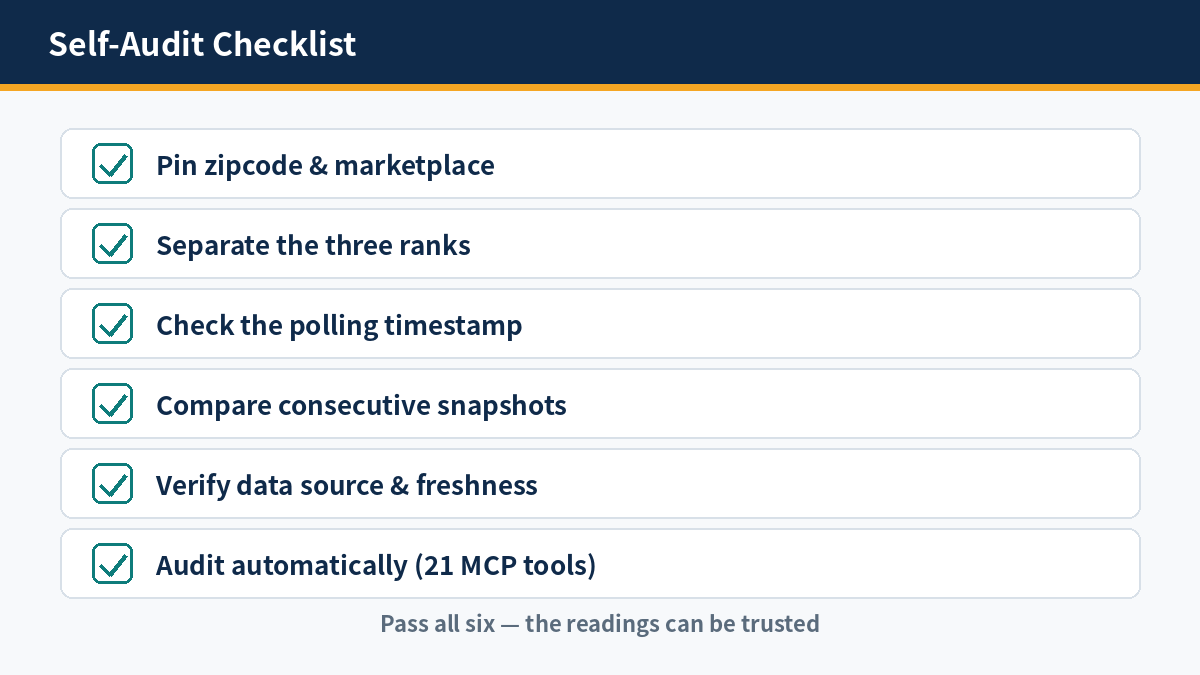
The checklist has one standard: every reading must be comparable with the previous reading under the same conditions. Pass all six checks, and the readings can be trusted; fail any one, and readings must be labeled with their conditions before use.
First, pin the zipcode and marketplace: every reading states its marketplace and zipcode, and readings under the example zipcodes 90001, 60601, and 10001 are each independent; consecutive readings without a pinned zipcode cannot be compared.
Second, separate the three ranks: keyword rank, BSR, and subcategory rank are stored separately, presented separately, and given separate thresholds; comparison happens only between ranks of the same kind.
Third, check the polling timestamp: every snapshot carries a timestamp, and a change has a new snapshot on the day it happens. Spot-check the snapshot of the day a change happened and confirm that the polling moment matches the moment of the change.
Fourth, compare consecutive snapshots for comparability: the marketplace, zipcode, and polling method of the two snapshots match, and a different hash confirms a change; two snapshots under different conditions cannot be compared directly. The conditions include marketplace, zipcode, device, and session.
Fifth, verify the data source and its freshness: confirm the data comes from real-time on-demand polling, not a daily batch cache, with an average response of about 3 seconds and a 99.9% success rate. Sponsored-placement capture above 90% and a complete search results page layout are what make attribution possible.
Sixth, audit automatically: the Amazon Data MCP provides 21 structured tools; call the tools to check each item on the checklist, and for the 21 tools, see the MCP tools docs. Any check that fails must be labeled with its conditions before the reading is used.
When auditing, sample three sets of readings: readings for the same keyword under different zipcodes, readings of the three ranks for the same ASIN, and snapshots before and after the day a change happened. One example from each set, and the blind spots show themselves.
Run the checklist once a month, and re-check immediately whenever the monitored scope changes. The audit result itself is written to the timeline, so every conclusion can be traced back to the conditions at the time of the audit.
The checklist maps one to one onto the eight blind spots: pinning zipcode and marketplace fixes comparability drift, timestamped snapshots fix freshness lag, and tolerance bands fix alert fatigue. The day the checklist passes is the day the blind spots are gone.
FAQ
The five questions below cover the questions most often asked when judging whether rank monitoring is accurate. Each answer can be used directly as an operating rule.
Q1: Why does the same keyword rank differently in different tools?
Because the three are not one number: keyword rank, BSR, and subcategory rank differ in definition and in unit. Add different polling moments, marketplaces, and zipcodes, and the readings naturally differ. Before comparing, confirm the rank’s definition and the polling conditions.
Q2: Does a daily 2–3 position fluctuation need action?
No: Amazon ranks fluctuate naturally by 2–3 positions per day, and a single crossing under a static threshold is mostly noise. Act only when the fluctuation leaves the tolerance band, when crossings repeat, or when it accompanies a price or Buy Box change.
Q3: How much does zipcode affect rank?
A lot: the same keyword returns a different search results page under different zipcodes, and readings can differ by several positions. Monitoring must pin the zipcode; readings under the example zipcodes 90001, 60601, and 10001 are each independent and cannot be mixed.
Q4: What is needed to start monitoring rank for free?
The free tier gives 60 credits per month, and structured JSON costs 1 credit per page. Start with one marketplace, a few ASINs, and a few keywords; check the data definitions and comparability first, then decide whether to widen coverage.
Q5: How can I judge whether a monitoring tool is trustworthy?
Check the checklist item by item: pinned zipcode and marketplace, three ranks kept apart, timestamped snapshots, consistent conditions across consecutive snapshots, a real-time data source, and sponsored-placement capture above 90%. Pass all six, and the readings can be trusted.
Once the checklist has been run, every reason a reading cannot be trusted can be located at a specific blind spot. For a monitoring approach that fixes these blind spots, see the Amazon rank and price monitoring solution. The approach replaces the daily batch and static thresholds with a real-time data layer plus an append-only timeline.